In a world where nearly everything we do is online—shopping, banking, learning, even working remotely—cybersecurity is no longer just for IT professionals. Hackers are becoming more sophisticated, phishing emails are harder to detect, and personal data has never been more valuable. The good news? You don’t need to be a tech wizard to take control of your online safety. In fact, with the right tools, anyone—even beginners—can build a strong digital shield.
Why Cybersecurity Matters More Than Ever
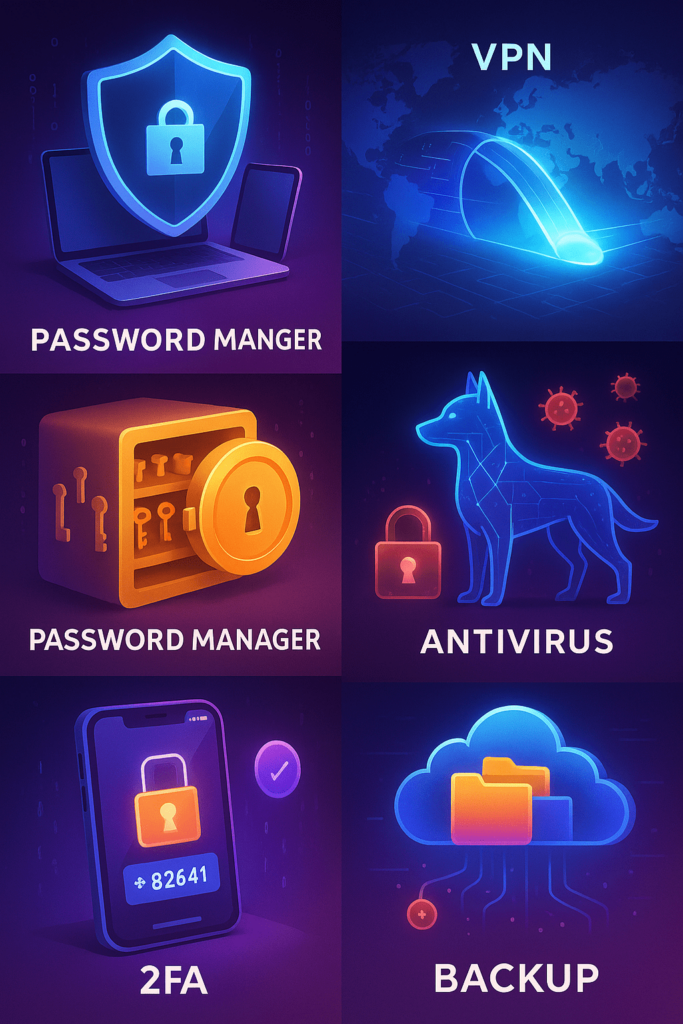
This article introduces five powerful cybersecurity tools you can start using in 2025. Each one is designed to be beginner-friendly, practical, and effective in protecting your data and privacy.
1. Password Managers: The Key to Better Security
Why you need it
The average person has more than 100 online accounts. Reusing the same password across all of them is like using one key for your house, car, and office—it only takes one theft for everything to be compromised.
How it works
Password managers generate complex, unique passwords for every account and store them securely. They also auto-fill login details so you don’t have to remember each one.
Beginner-friendly options
- 1Password – Known for its simplicity and clean interface.
- LastPass – Great free version and easy setup.
- Bitwarden – Open-source, secure, and budget-friendly.
Story example
Imagine you’re using the same password for Facebook and your email. If hackers get into Facebook, they can also access your email, which often links to your bank and shopping accounts. With a password manager, this risk disappears because every login is unique.
2. Two-Factor Authentication (2FA) Apps: Adding a Second Lock
Why you need it
Even with strong passwords, breaches can still happen. That’s where 2FA comes in—it acts like a second lock on your digital doors.
How it works
When logging in, you’ll be asked for a second code sent via SMS, email, or an app. This ensures that even if hackers know your password, they can’t get in without the second code.
Beginner-friendly options
- Google Authenticator – Quick setup and works offline.
- Authy – Cloud backups and multi-device support.
- Microsoft Authenticator – Perfect if you’re already in the Microsoft ecosystem.
Data point
According to Microsoft, enabling 2FA can block 99.9% of automated cyberattacks. That’s huge protection for just a few extra seconds of effort.
3. VPNs (Virtual Private Networks): Browsing with Privacy
Why you need it
Public Wi-Fi networks at cafes, airports, or hotels are playgrounds for cybercriminals. A VPN encrypts your internet traffic, making it nearly impossible for hackers to spy on your activities.
How it works
A VPN routes your connection through secure servers, masking your IP address and making you appear as if you’re browsing from another location.
Beginner-friendly options
- NordVPN – Reliable speed and user-friendly app.
- ExpressVPN – Strong privacy policies and simple setup.
- ProtonVPN – Great free tier with security focus.
Example
You’re traveling and connect to hotel Wi-Fi to check your online banking. Without a VPN, hackers on the same network could intercept your data. With a VPN, your session stays private and secure.
4. Antivirus & Anti-Malware Software: Your Digital Guard Dog
Why you need it
Viruses, ransomware, and spyware are still alive and evolving in 2025. Antivirus tools act like digital guard dogs, scanning and blocking malicious files before they can damage your system.
How it works
They run background checks, flag suspicious behavior, and quarantine harmful files.
Beginner-friendly options
- Malwarebytes – Excellent for detecting malware others miss.
- Kaspersky – Strong protection with minimal system slowdown.
- Avast – Popular free version with easy navigation.
Storytelling tip
Think of antivirus software like a neighborhood security guard. You might not always see them working, but their presence reduces the chance of unwanted intruders.
5. Secure Cloud Storage & Backup Tools: Your Digital Insurance
Why you need it
Even with the best security, accidents happen—devices fail, files get corrupted, or ransomware locks your system. Backups ensure you don’t lose everything.
How it works
These tools automatically back up your files to secure servers, allowing you to restore them anytime.
Beginner-friendly options
- Google Drive – Easy for anyone with a Gmail account.
- Dropbox – Simple and widely supported.
- iDrive – Excellent for both individual and small business use.
Data point
Research shows that 60% of small businesses close within six months after a major data loss. Personal users face similar risks if precious photos, documents, or projects vanish without backup.
Additional Tips for Beginners
H3: Keep Software Updated
Hackers often exploit old versions of software. Always enable automatic updates.
H3: Watch Out for Phishing
Never click on suspicious links or download unknown attachments.
H3: Use a Security Mindset
If something feels off—a website, an email, or even a social media message—trust your instincts.
Conclusion: Your First Step into Cybersecurity
Cybersecurity might sound intimidating, but as you’ve seen, these five tools are powerful yet beginner-friendly. With a password manager, 2FA app, VPN, antivirus software, and secure backups, you’re already ahead of most online users in 2025.
Protecting yourself online doesn’t require technical expertise—just the willingness to take small, consistent steps. Start with one tool today, and gradually build your digital safety net.
Call-to-Action:
Take five minutes now: install a password manager, set up 2FA, or download a VPN. Each action you take today is one less opportunity for hackers tomorrow. Your future self will thank you.

Penulis di Ascendory yang fokus membantu pembaca naik level lewat teknologi,
pengembangan diri, dan strategi bisnis online yang praktis. Suka eksplorasi tools
produktivitas, tren digital, dan cara menyeimbangkan hidup biar tetap waras meski
sibuk. Percaya bahwa kemajuan kecil yang konsisten lebih ampuh dari semangat
sehari yang langsung padam.