Traveling is all about collecting memories, snapping breathtaking photos, and sharing those picture-perfect moments on Instagram. But behind the filters and hashtags, there’s a hidden risk—cybersecurity threats that target travelers. From free airport Wi-Fi to malicious links on social media, your personal data is more vulnerable than you might think.
Why Data Privacy Matters When Traveling
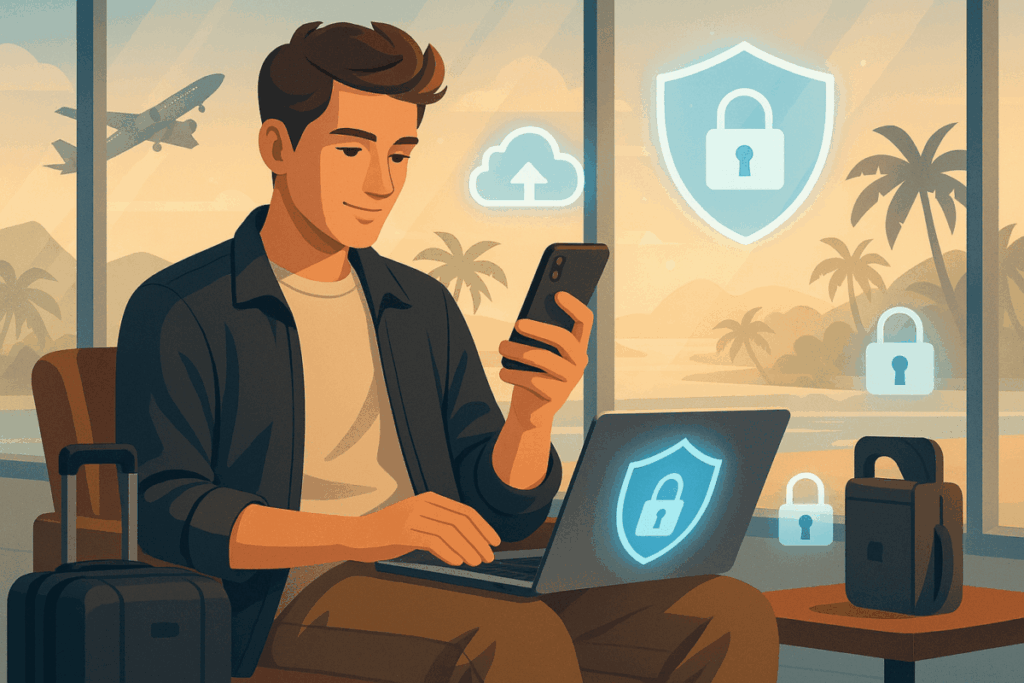
Imagine posting a stunning sunset photo in Bali, only to realize later that your hotel booking account was hacked the same night. Sounds terrifying, right? That’s why protecting your digital footprint is just as important as safeguarding your passport. In this article, we’ll break down eight smart ways to keep your data safe while still sharing your adventures online.
1. Use Secure Wi-Fi Connections
Why It’s Important
Public Wi-Fi at cafes, airports, or hotels often looks like a traveler’s best friend—but it’s actually a hacker’s playground. Cybercriminals can easily intercept unencrypted data and steal your login credentials.
What You Can Do
- Always use a VPN (Virtual Private Network) to encrypt your connection.
- Avoid logging into sensitive accounts, like online banking, when connected to public networks.
- If no secure Wi-Fi is available, use your mobile data instead.
2. Keep Your Instagram Account Locked Down
Why It’s Important
Your Instagram isn’t just about travel photos—it’s also tied to personal information like email, phone number, and even linked accounts.
What You Can Do
- Activate two-factor authentication (2FA) for an extra layer of security.
- Use a strong and unique password that you don’t repeat on other platforms.
- Regularly check your login activity in Instagram’s settings to ensure no suspicious devices are accessing your account.
3. Update Your Devices Before Departure
Why It’s Important
Running outdated software is like leaving your hotel room door unlocked. Hackers often exploit known vulnerabilities in old versions of apps and operating systems.
What You Can Do
- Update your smartphone, laptop, and all travel apps before leaving.
- Install a trusted mobile security app to detect malware and phishing attempts.
4. Be Cautious with Location Sharing
Why It’s Important
Tagging your exact hotel or posting live updates can unintentionally signal where you are—and even where you’re not, leaving your home vulnerable.
What You Can Do
- Share your travel posts after you’ve left a location, not while you’re still there.
- Turn off geotagging on your camera and Instagram settings.
- Keep your home safe by avoiding posts that reveal you’re away for weeks.
5. Protect Your Payment Information
Why It’s Important
Travelers often book accommodations, tours, and tickets online, which increases exposure to cyber fraud.
What You Can Do
- Use credit cards instead of debit cards, as they often provide better fraud protection.
- Avoid saving your card details on public computers or shared devices.
- Enable instant banking alerts to detect suspicious transactions quickly.
6. Watch Out for Phishing Scams
Why It’s Important
Hackers love to disguise themselves as airlines, booking platforms, or even social media support teams. One careless click could expose your personal data.
What You Can Do
- Double-check URLs before entering login details.
- Be skeptical of urgent messages asking you to “verify your account” or “reset your password.”
- Use an email filter that flags suspicious content.
7. Back Up Your Data Safely
Why It’s Important
Losing your phone while traveling is stressful enough, but losing all your memories and contacts makes it worse.
What You Can Do
- Back up your photos and important files to a secure cloud service before and during your trip.
- Keep an encrypted copy of essential documents, like passport scans, in a secure storage app.
8. Stay Mindful of Social Media Over-Sharing
Why It’s Important
Every detail you post online—your flight number, hotel name, or even your travel itinerary—could be valuable to cybercriminals.
What You Can Do
- Limit what you share with the public and use private story features for close friends.
- Regularly review your Instagram privacy settings.
- Remember: not everything needs to go online to be memorable.
Storytelling: A Traveler’s Wake-Up Call
Take the story of Sarah, a traveler from London who visited Thailand. Excited about her trip, she posted daily updates, including her hotel check-in. Within days, her email was compromised, and hackers gained access to her travel accounts. The culprit? Free Wi-Fi at the airport combined with oversharing. Sarah’s experience highlights why these precautions are not optional—they’re essential.
Q&A: Other Hotels & Platforms to Stay Secure
Q: Should I trust hotel Wi-Fi when posting on Instagram?
A: Use hotel Wi-Fi only if it’s password-protected and always with a VPN enabled.
Q: Is it safe to connect my Instagram to third-party travel apps?
A: Not always. Stick to well-known platforms and review permissions before granting access.
Q: What’s the best mobile security app for travelers?
A: Options like Norton, Bitdefender, or Kaspersky are traveler-friendly and offer real-time protection.
Conclusion: Travel Smart, Post Smarter
Your travel stories deserve to shine on Instagram, but they shouldn’t come at the cost of your digital safety. By practicing these eight smart cybersecurity habits, you can enjoy your trips without worrying about hackers lurking behind every Wi-Fi signal.
Call-to-Action:
Next time you pack your suitcase, don’t forget to pack your digital defenses too. Stay safe, share responsibly, and make every travel post not only beautiful—but also secure.

Penulis di Ascendory yang fokus membantu pembaca naik level lewat teknologi,
pengembangan diri, dan strategi bisnis online yang praktis. Suka eksplorasi tools
produktivitas, tren digital, dan cara menyeimbangkan hidup biar tetap waras meski
sibuk. Percaya bahwa kemajuan kecil yang konsisten lebih ampuh dari semangat
sehari yang langsung padam.